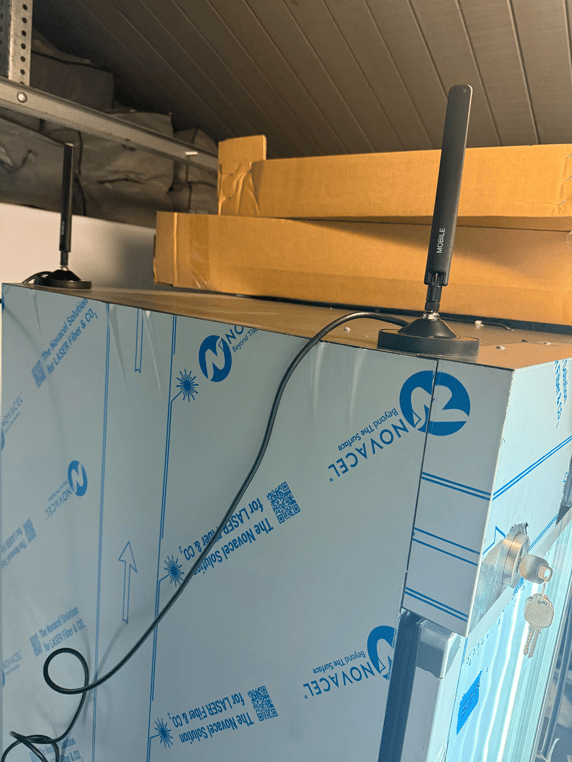
If your microstore is located in a basement or near large metal objects, it may have challenges connecting to the cellular network. These antenna extenders raise the cellular antennas above your fridge to improve receptivity. Below are instructions on how to install them. You need to purchase two per machine.

- Unplug your microstore.
- On the back of the unit, find the two antennas that say "Mobile" on top of the control box. Gently unscrew these antennas and set them aside. These will be screwed into the magnetic mount of the extender.
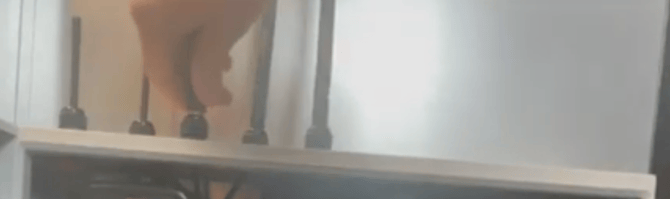
- Holding the bolt inside the control box, unscrew the mount that sits on top of the control box for each antenna.
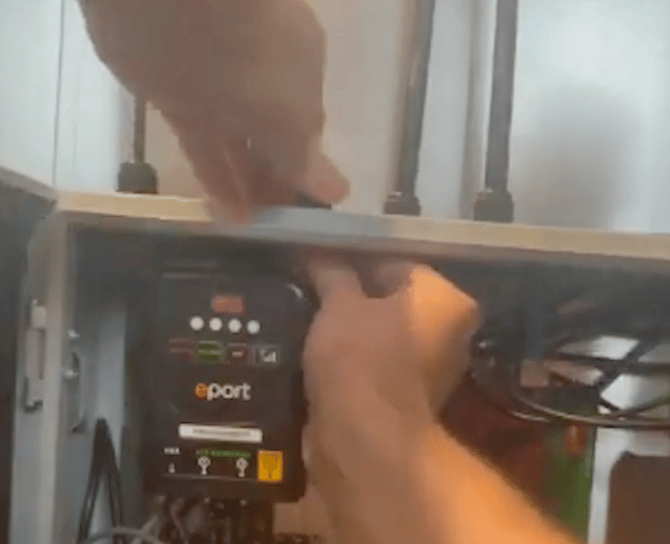
- Locate the router on the top right of the control box. Release it by unscrewing the top screw of the belt holding it in place.
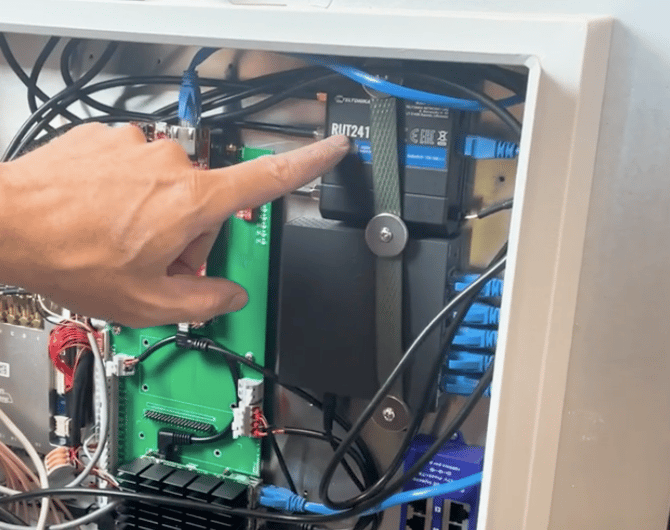
- Unscrew the two cellular antenna cables from the router. These are the two bottom cables when the router is in it's original orientation.
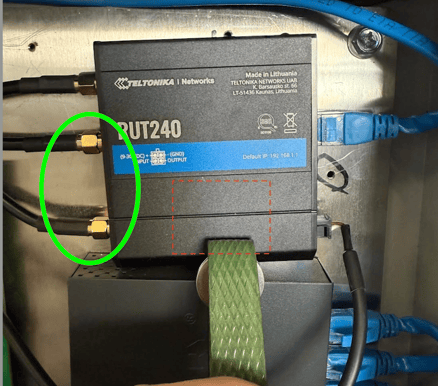
- Feed the non-mount end of the extender cables through the holes that the original antennas were sitting in, and screw them into the ports of the router you freed up in the previous step.
- Screw in the antennas to the magnetic mount, and attach the mounts to the top of the microstore away from each other. If there is not enough clearance at the top of the microstore, you can attach them on the back towards the top: