
Applying stickers to and stocking your items in the correct way takes practice. Sometimes, your smart fridge may not recognize the items you have stocked. If this is the case, here are some checks.
- Does each product have an RFID sticker applied using the best stickering practices?
- Have you assigned those stickers in the dashboard?
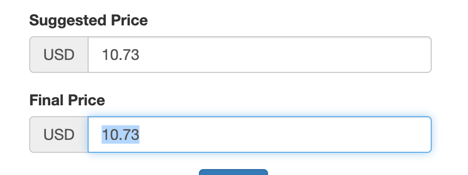
- Is there a final price entered for each item?
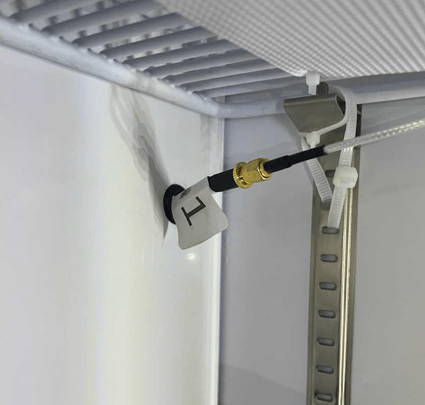
- Are the shelf sensors screwed in tightly?
- Stock one row, close the fridge, and see if it recognizes those products. Move on to the next row.
- Scanner test: open the "Assign sticker" field of any product. Scan multiple stickers of one roll. When you hit "Next," are there only one or two unique EPC codes? If so, please submit a ticket.
- Are your products touching the inner walls of the fridge?
- Try placing the products in different positions on the shelves.
- Are you using metal props in the fridge to support products? You should only use plastic props.