Our dashboard allows you to see all of the stocking activity of your employees, including who stocked, what they took out, and what they put into your microstores.
-
Head over to the Stockup Log tab of your dashboard
-
You will see a stocking history of all your microstores. You can filter by microstore or date range.
-
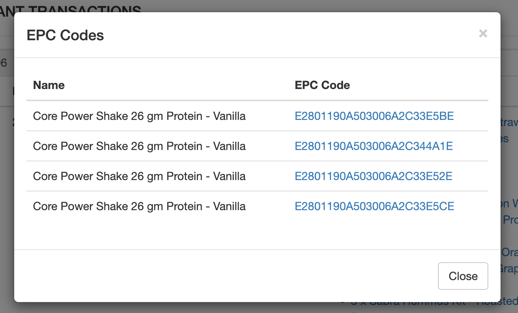
By clicking on an item, a pop-up window will display each unique EPC code assigned to those products: