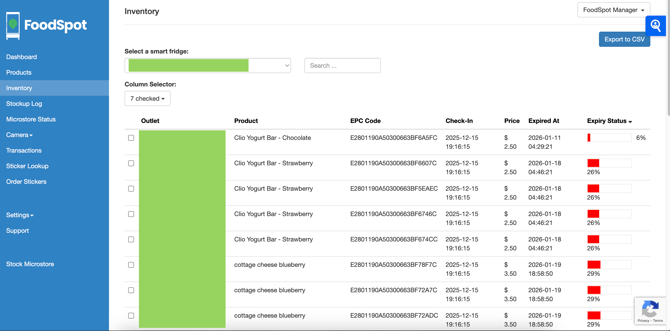
It's important to know which products are nearing expiry so you can rotate properly for food safety.
NOTE: Expired products are no longer recognized as inventory, so customers will not be charged when they remove these items.
-
In the navigation menu of your Dashboard, select Inventory.
-
From the dropdown, select the microstore you wish to view inventory for. Click the column header "Expiry Status" to sort by longest/shortest time until expiry.